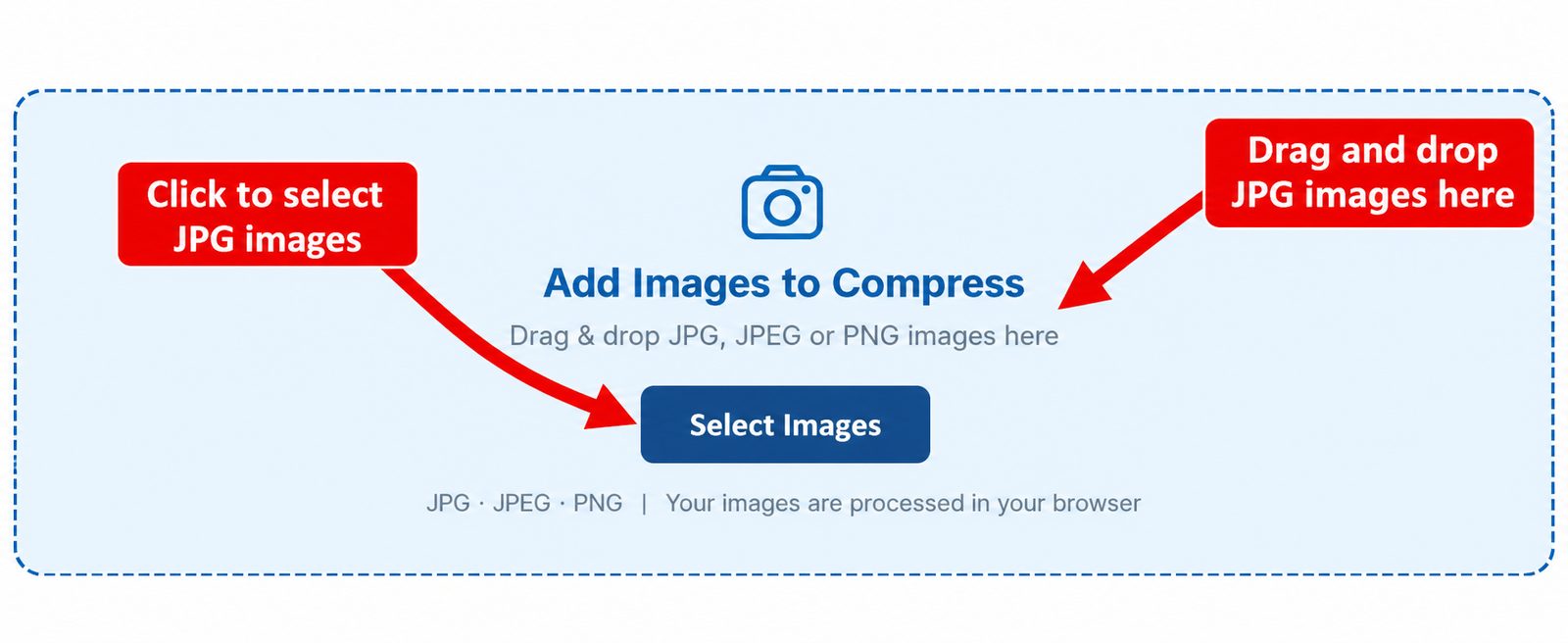
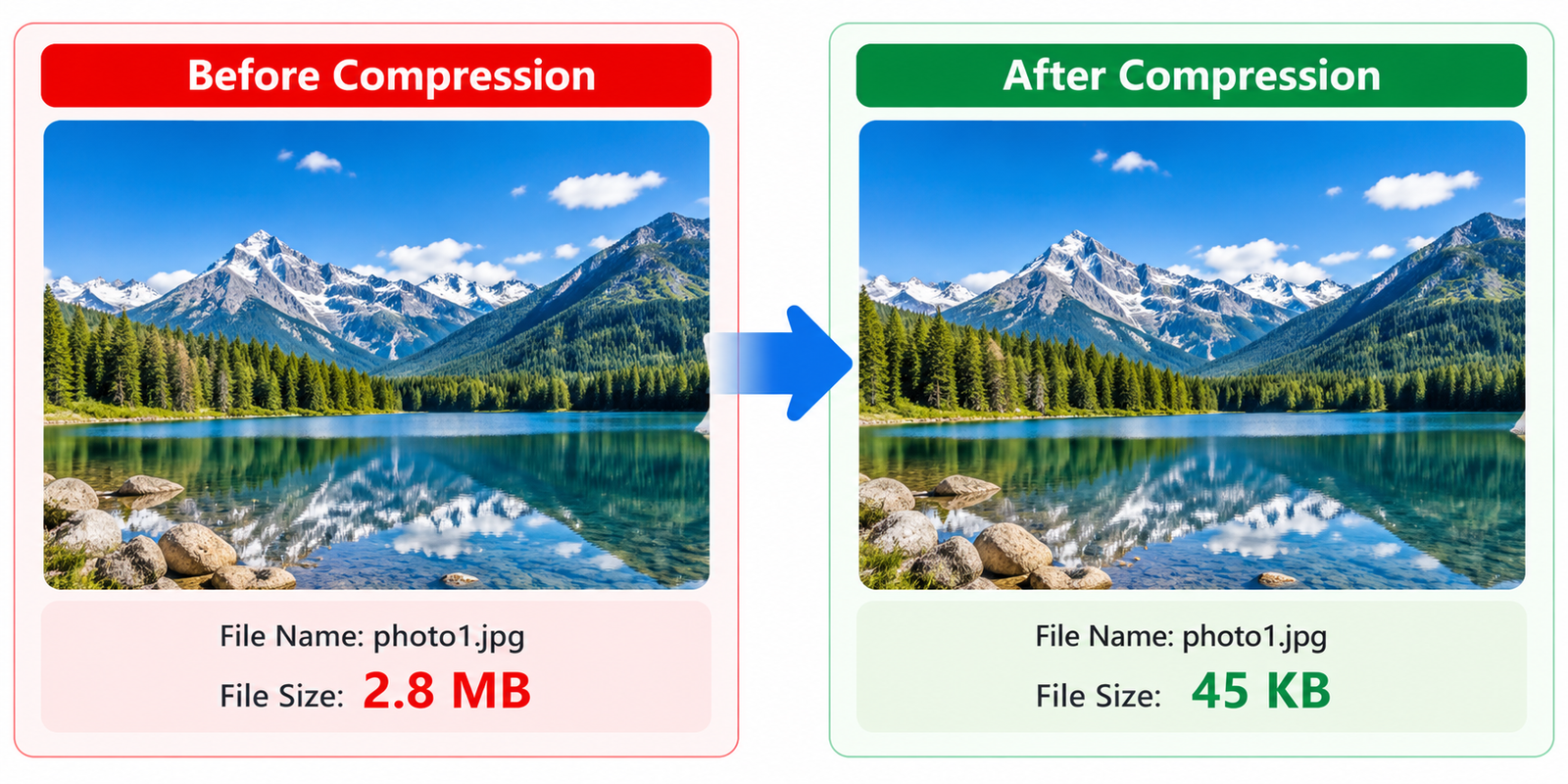
JPG compression reduces the amount of data stored in an image so the resulting file takes up less space. This is useful when a photo is too large to upload, send by email, store on a device, or use on a website. Instead of changing the image unnecessarily, compression focuses on reducing the file size while keeping the picture practical to view and use.
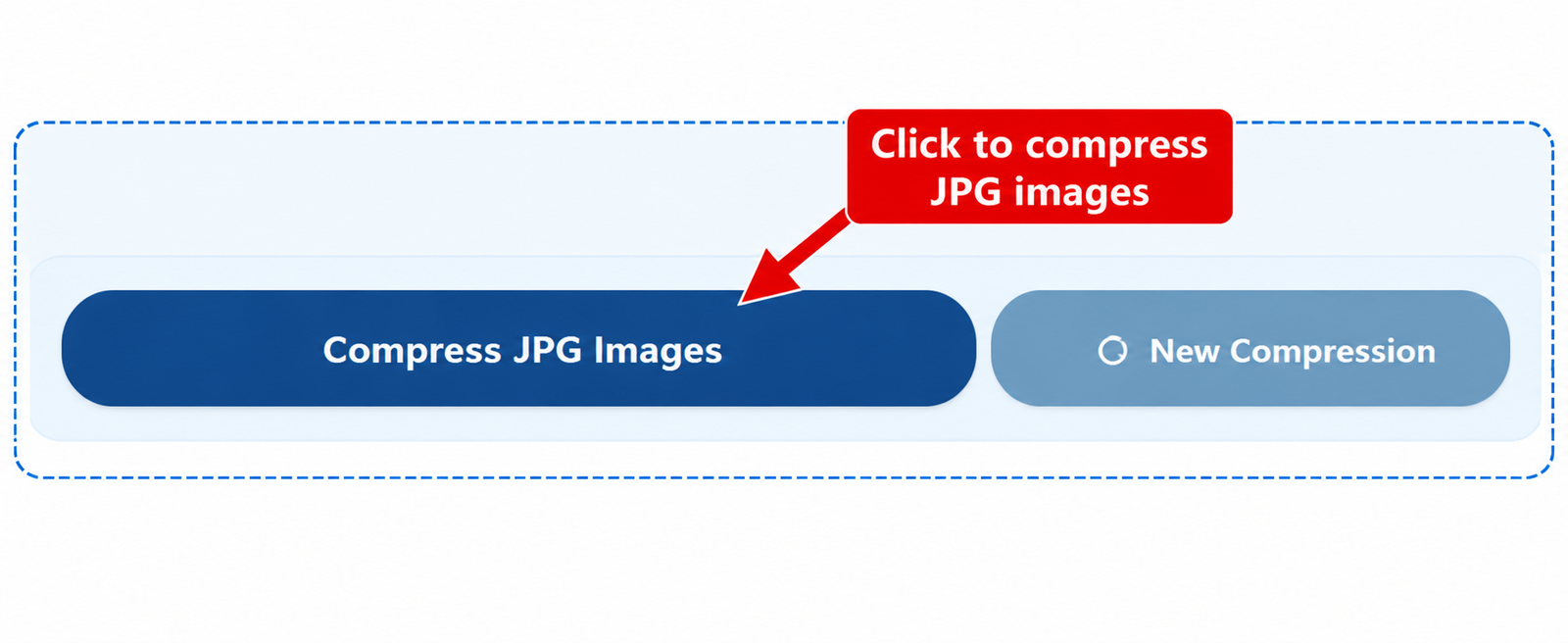
When you compress JPG images, the image data is processed using a selected level of JPEG compression. A higher level of compression generally creates a smaller file, while a lower level keeps more visual detail. The right balance depends on how the image will be used and how much file size reduction is required.
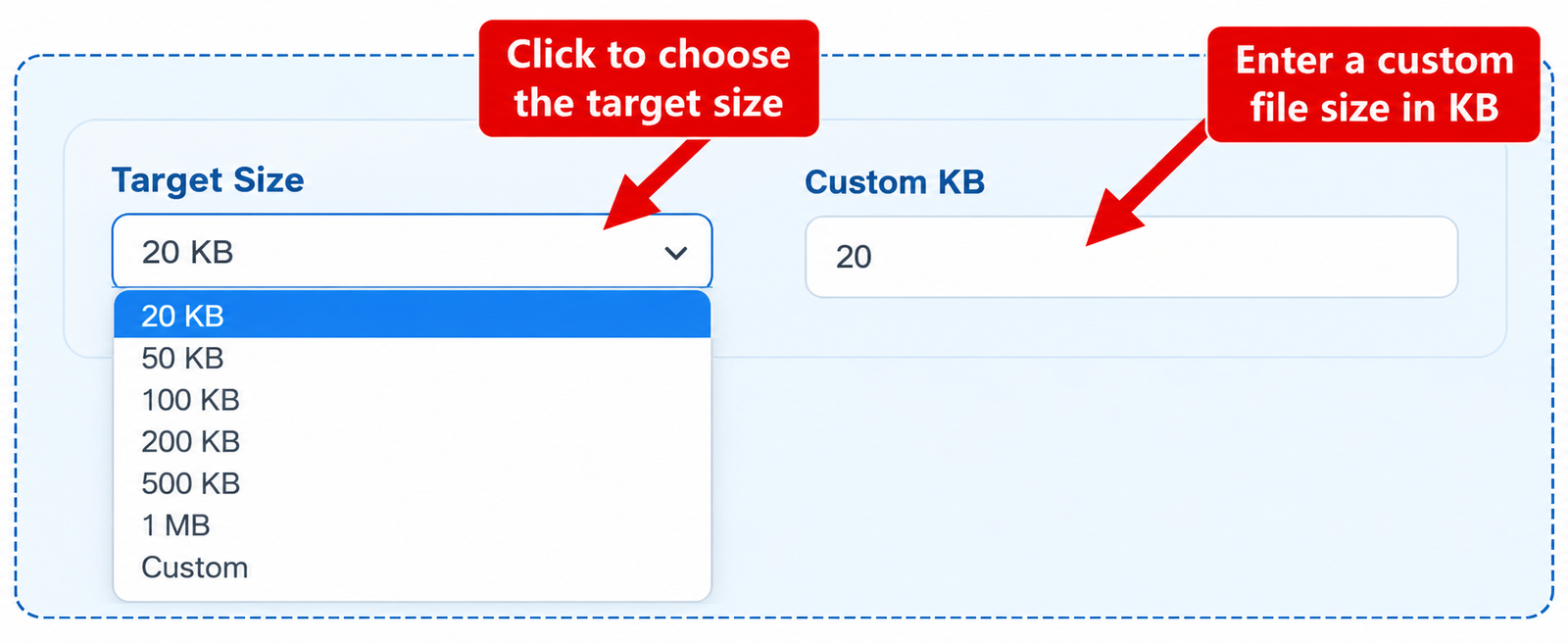
If you need to reduce JPG file size to 20KB, the target size becomes an important part of the compression process. Small limits are common for online forms, applications, profile images, and other uploads where a file must stay below a specific size. CombJPG can work toward a selected target so you can create a smaller JPG that fits your requirement whenever the image can reasonably reach that size.
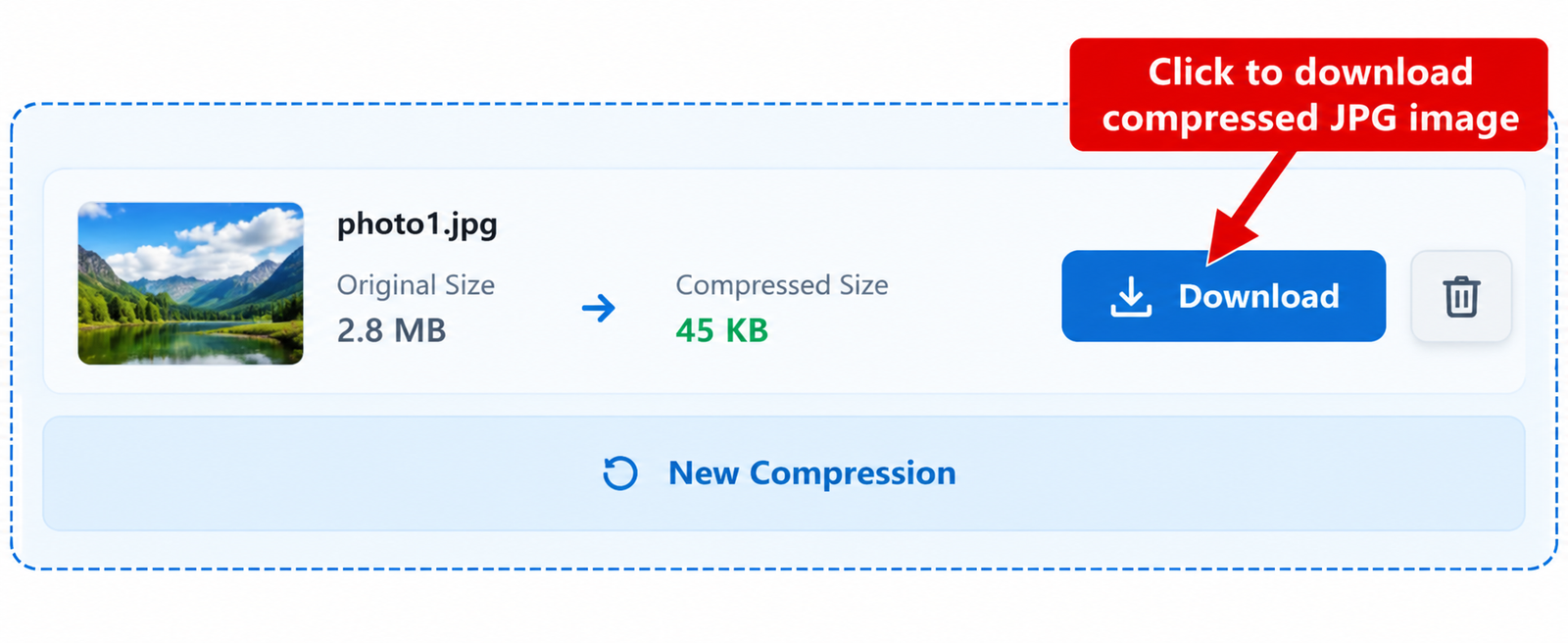
The final file size can also depend on the original image dimensions, detail, colors, and compression level. Images with complex scenes may need stronger compression than simple graphics to reach the same target. This is why compressing JPG files is about finding a useful balance between file size and image quality rather than simply making every image as small as possible.