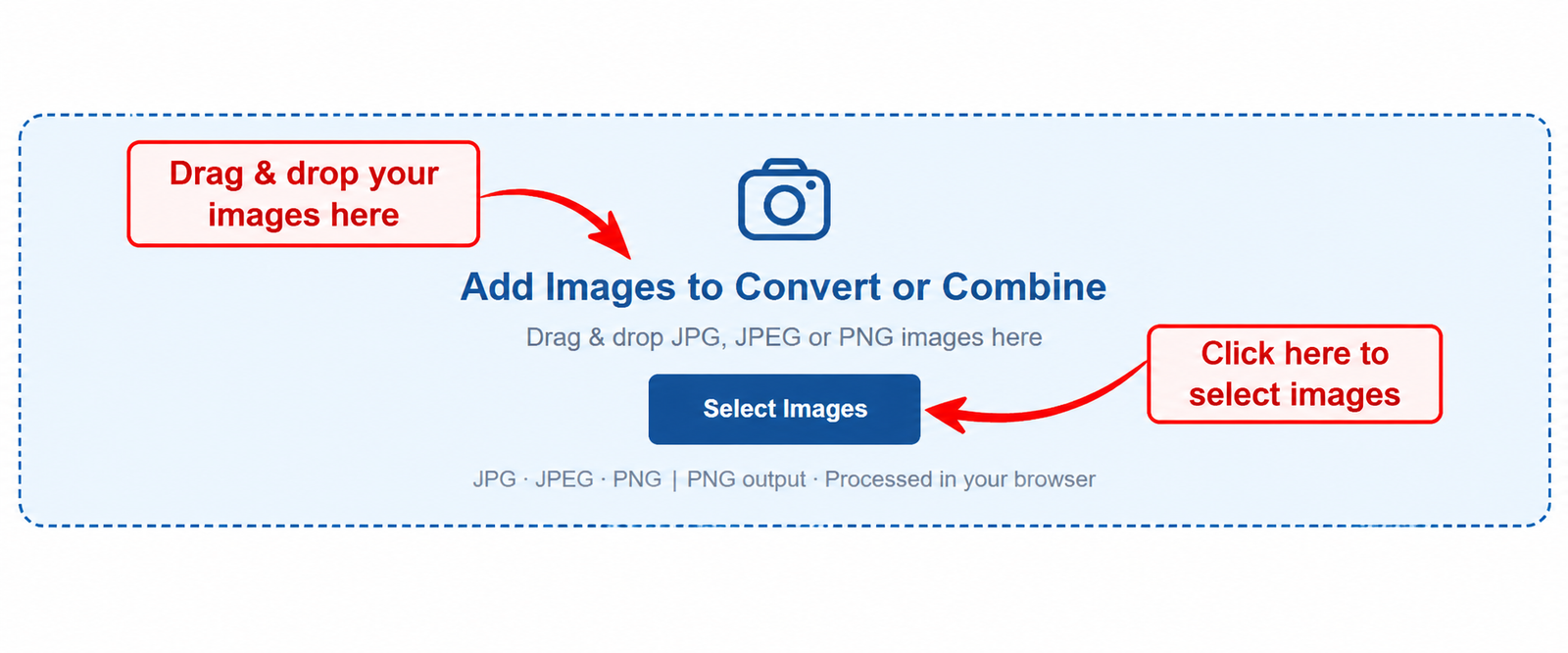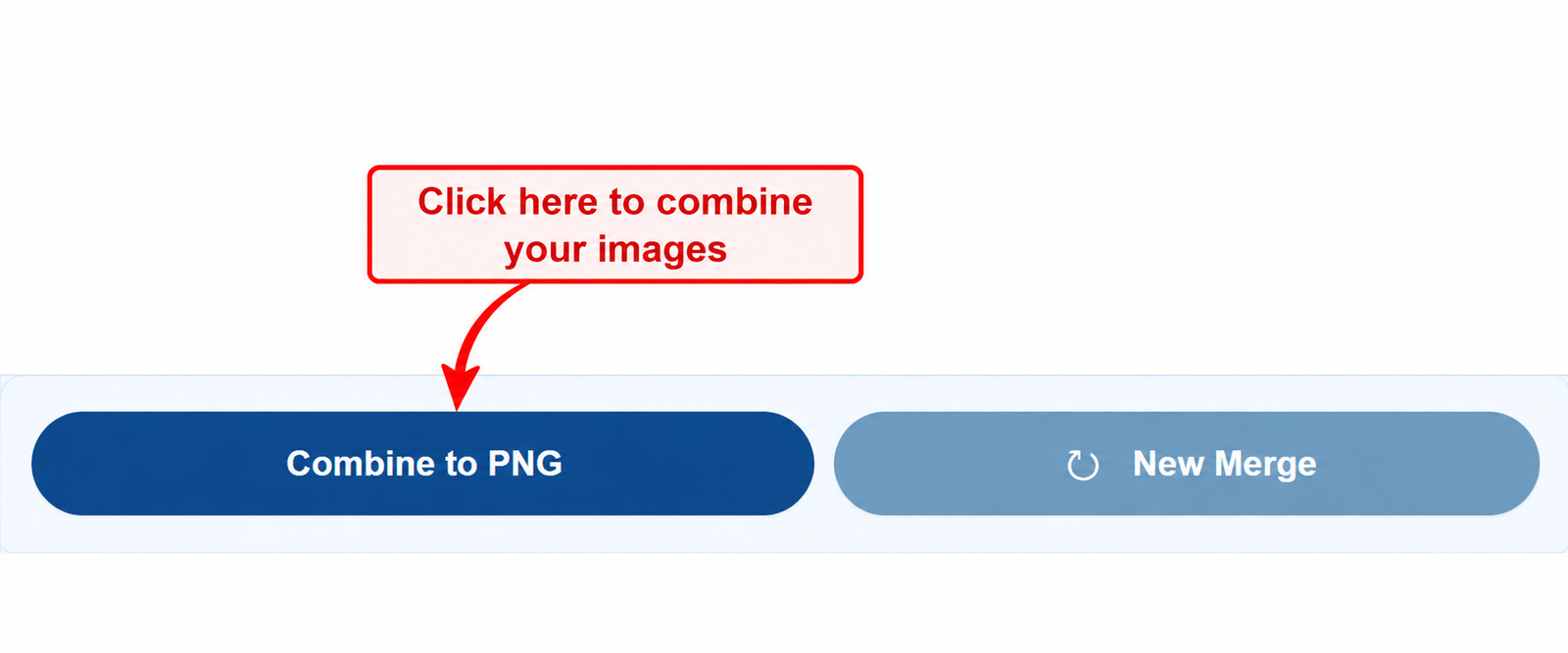
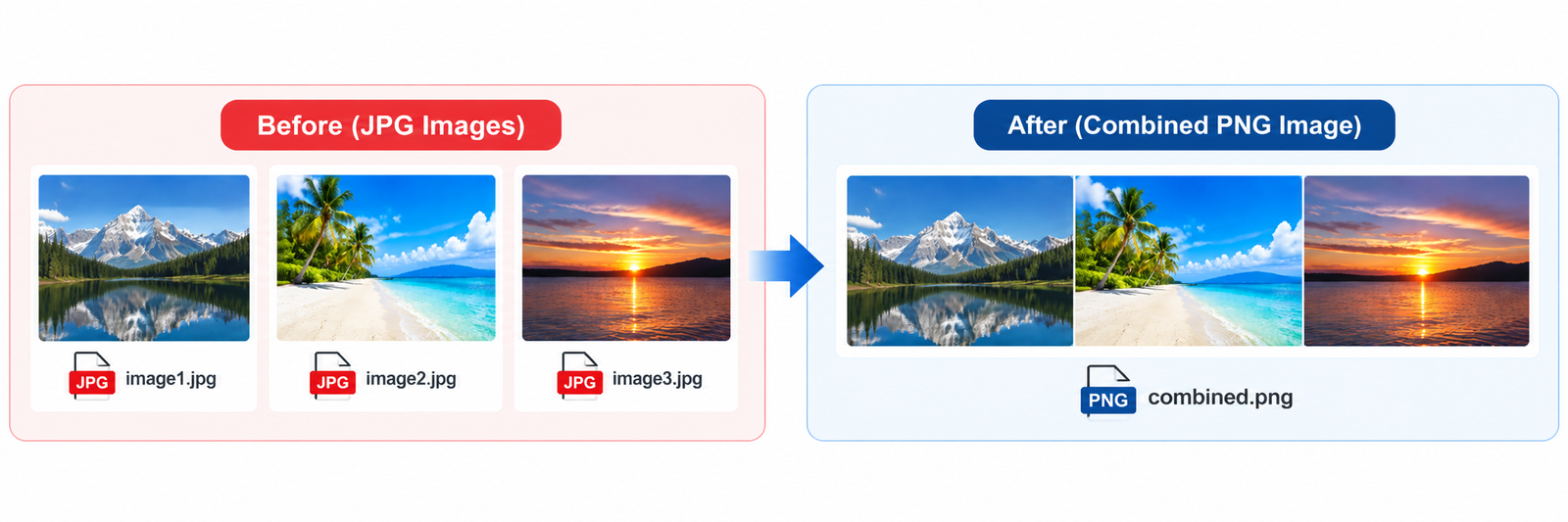
Merge JPG to PNG is a simple way to convert JPG, JPEG, and PNG images into PNG format and bring multiple pictures together in one image. Instead of opening a complicated photo editor, you can upload your images, arrange them, select a layout, and create a PNG file using CombJPG.
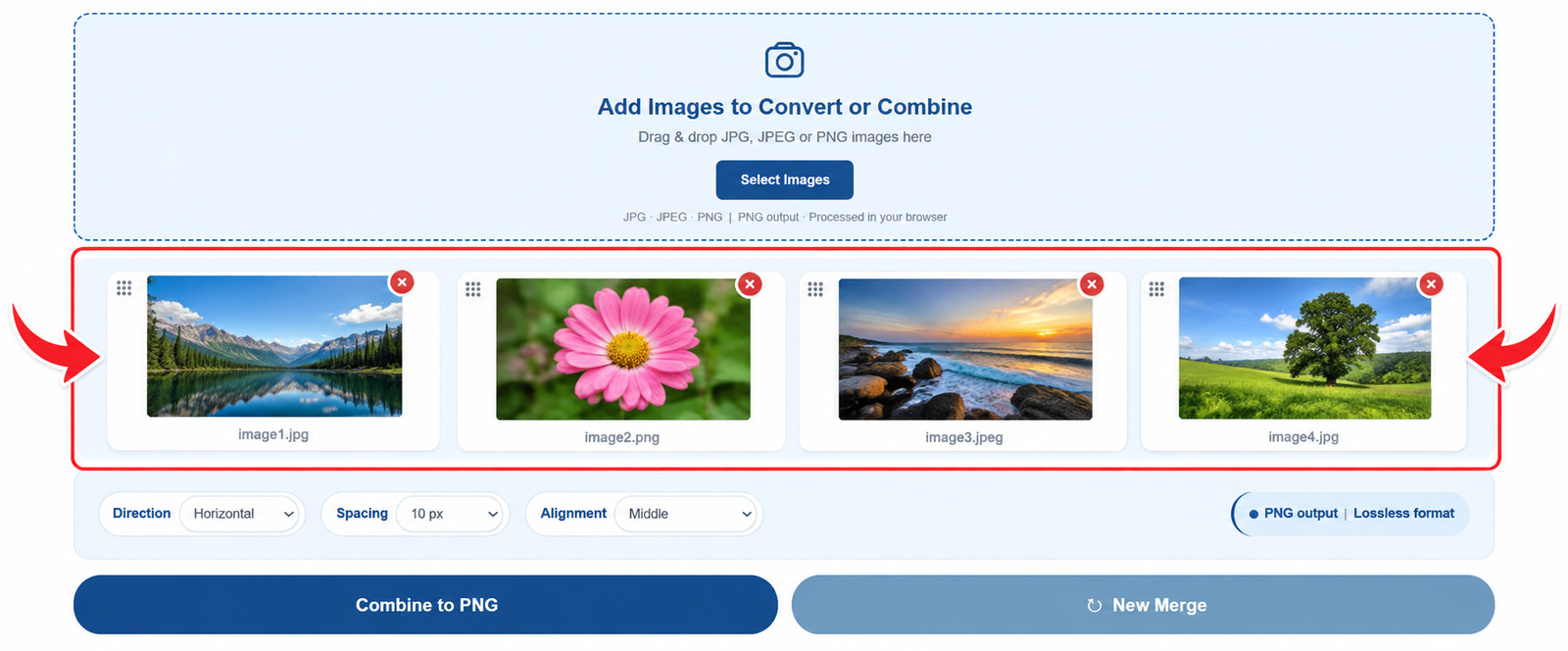
The tool supports both single-image conversion and multiple-image processing. If you upload one JPG or JPEG image, you can convert it into PNG format. If you add several images, you can arrange them horizontally or vertically and combine them into a single PNG image. This is useful for screenshots, image comparisons, scanned pages, tutorials, and other visual content.
PNG is a useful image format when you want to preserve sharp details or need support for transparency. When a JPG image is converted to PNG, however, its original image quality is not restored, and JPG transparency cannot be recovered. The output format changes to PNG, while the appearance and dimensions depend on the source image and the settings you choose.
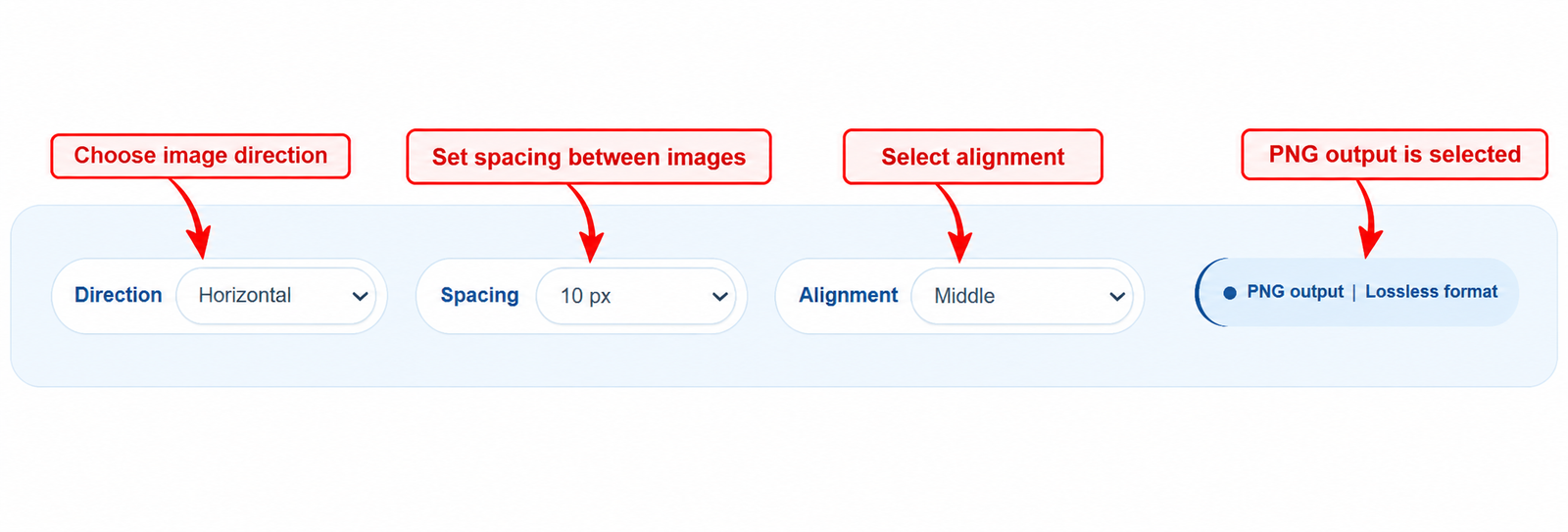
With CombJPG, you can merge JPG images into PNG without installing additional software. Upload your files, arrange them in the order you prefer, adjust spacing and alignment, and download the finished image for sharing, documents, presentations, or everyday use.